
QR code signs
QR code signs for your guest book, designed and printed at home
Your guest book's QR code only works if guests notice it and know what to do. The sign designer gives you templates for table cards, a welcome sign and sheets of cards, with your names, your words and your colour.
- Free trial, no card
- Your QR code straight away
- No password
Where can I get a wedding QR code sign template?
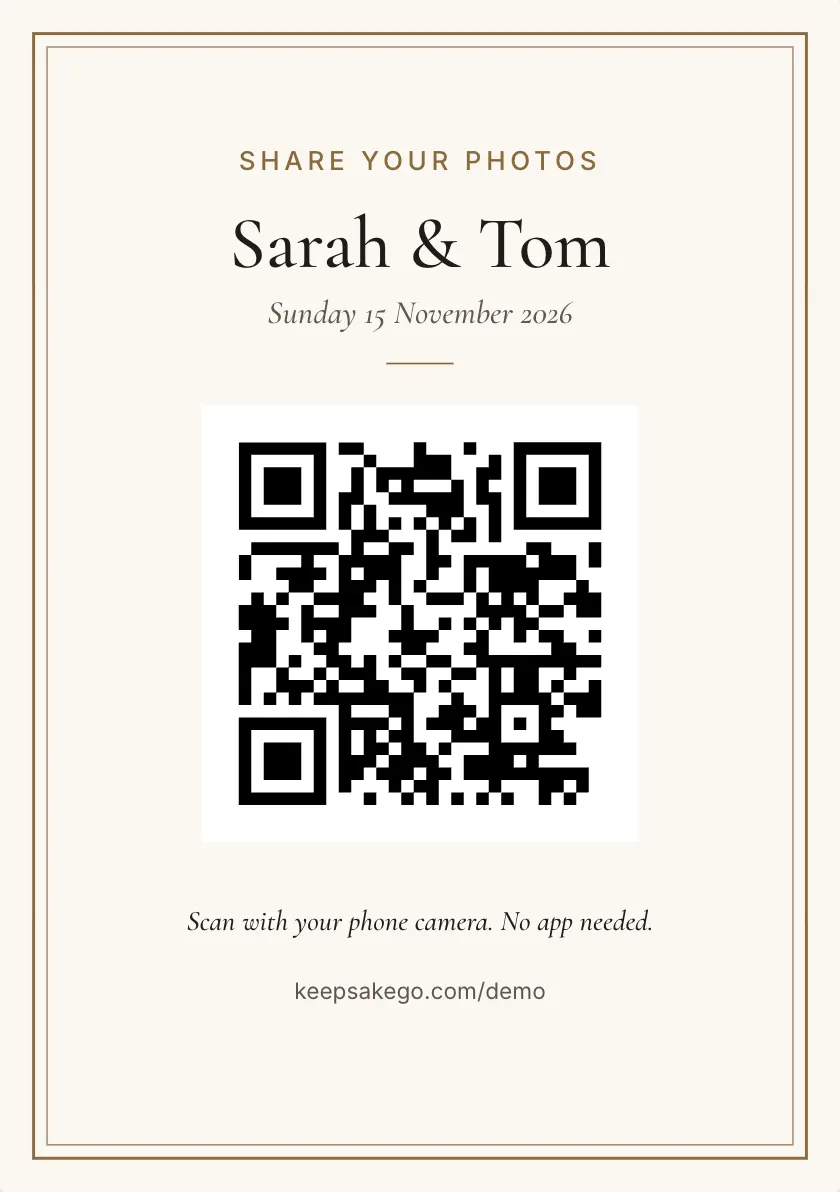
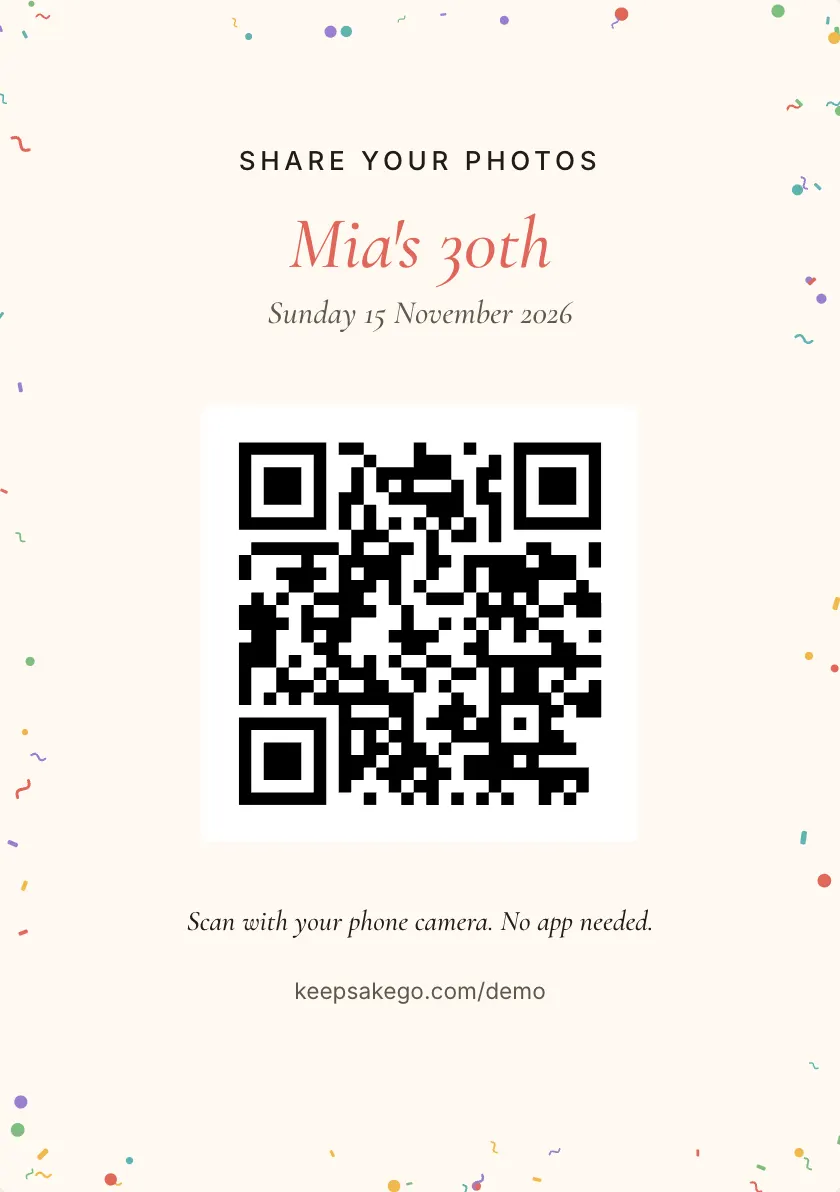
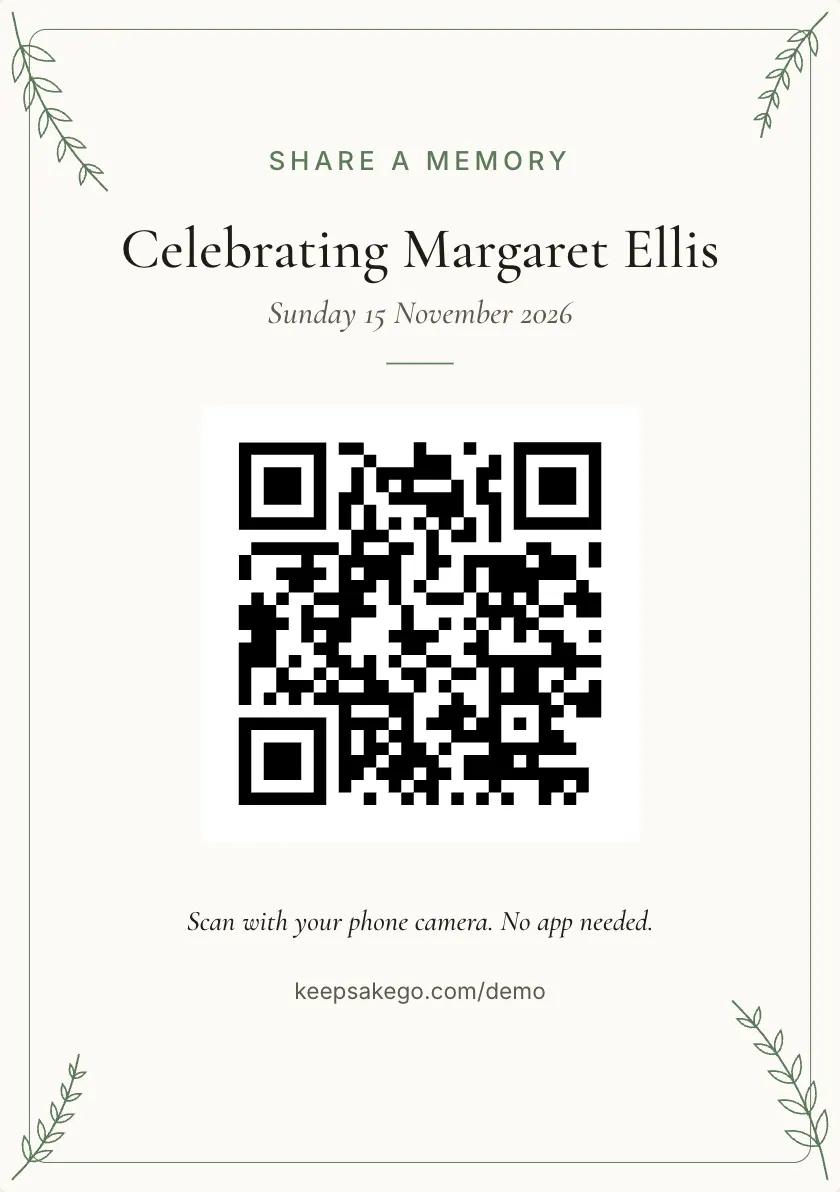
Keepsake includes a sign designer with every guest book. Choose a template, change the heading, names, date line, instruction and accent colour, then print table cards, a welcome sign or sheets of cards from your browser. An optional back explains to guests, step by step, how to share.
What the sign designer makes
- Table cards: small cards for each table, with your QR code and a short instruction.
- A welcome sign: a larger sign for the entrance or an easel by the door.
- Sheets of cards: several cards on one page, to cut out for tables, the bar and the gift table.
- An optional back: short "how to share" steps for guests who have not used a QR code before.
What you can change
Start from one of several templates, then edit the heading, your names, the date line and the instruction, and pick an accent colour to match the invitations. Your QR code goes on for you, with its secret key, and so does the passcode if you set one.
Everything prints from the browser, so you can use a home printer or take the file to a print shop.
Sizes and scanning distance
A phone reads a QR code from about ten times the code's width. The A5 table card's code is about 7 cm across, so it reads from about 70 cm away: right for a guest sitting at the table.
A welcome sign is read by people on their feet, often from a few steps back, so it needs a bigger code than a table card. Measure the distance guests will stand from it and work back from the ten-times rule.
Wording that gets people scanning
Guests give a sign a second or two. Lead with what you want and how: "Scan to send us your photos" says both. A second line can name the extras, such as a voice message or a note, and the date line ties the card to your day.
Keep long instructions off the front. That is what the optional back is for, so the front stays clean and the steps are there for anyone who needs them.
Where the signs go
Put one where guests pause and have a hand free: each table, the bar, the entrance, the dessert table and the photo spot. A welcome sign catches arrivals, and table cards catch the quiet moments between courses. The guide to sign placement goes through it room by room.
Check before you print the lot
- Print one first: scan it from a seated guest's distance with two different phones.
- Send a test: make sure your test photo appears in the dashboard, then hide or delete it.
- Check the passcode: if you set one, confirm it is on the card and that it opens the page.
How it works: three questions, then your QR code. Print a sign or send the link, and guests share from their phone. See how it works.
Price: free to try, then from A$79 once per event, including GST. Compare plans.
Read next: where to put QR signs · what to write on the sign · if a QR code is not scanning · making a QR code for wedding photos
Questions
Do I have to pay for the sign templates?
No. The sign designer comes with every guest book, including one on the free trial, so you can design and print your signs before choosing Classic or Signature. The only thing you pay for is the plan.
What size should a QR code sign be?
Big enough for the distance. As a rule of thumb, a phone reads a code from about ten times its width, so the A5 card's 7 cm code works from about 70 cm. A table card suits a seated guest; a welcome sign needs a bigger code for people standing further away.
Can I match the signs to our wedding colours?
Yes. Pick an accent colour in the sign designer and change the heading, names, date line and instruction. Start from any of the templates; your QR code stays the same on every one, so all your signs open the same guest book.
What should the sign say?
Say what to do and what you want in one line, such as "Scan with your camera to share your photos and a message." Add your names and the date. Leave the step-by-step help for the optional back of the card.
Can I use the signs for events other than weddings?
Yes. The designer comes with every kind of guest book, from birthdays and baby showers to work events and memorials. The kind of event you choose at sign-up also changes the wording guests see after they scan.
How do I print them?
From the browser. Open the sign designer, choose table cards, a welcome sign or a sheet of cards, and print on your home printer, or save it from the print window to take to a print shop. Print one test copy before the full run.
Also made for
Create yours now
Free trial, no card · Your QR code straight away · No password · Pay only when you are ready