
21st birthday guest book · QR code guest book
A 21st birthday guest book that catches the speeches and the photos
A 21st pulls together people who have never met: school friends, uni friends, work friends, cousins and the parents' friends. One QR code lets all of them send the birthday person their photos and a few words, in one private place.
- Free trial, no card
- Your QR code straight away
- No password
What is a good guest book for a 21st birthday?
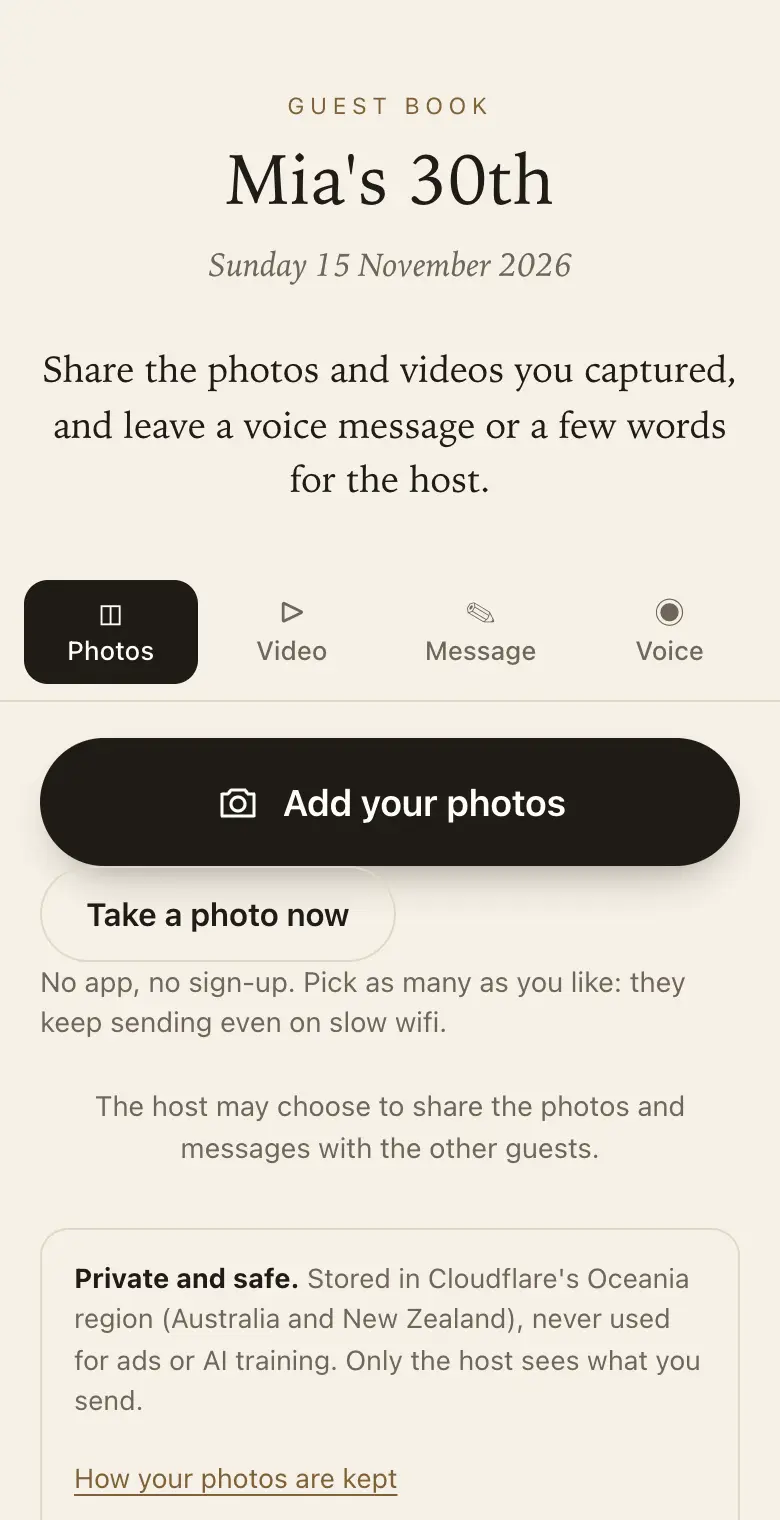
A QR code guest book suits a 21st because guests already have their phones out. They scan the code, send their photos, record a voice message or write a note, with no app or account. You keep it private, can run a live slideshow, and download everything afterwards.
The speeches, kept
Speeches at a 21st are often the most loved and least recorded part of the night. On a paid plan, friends in the crowd can send a clip of up to 30 seconds, and anyone who did not get a turn at the microphone can leave a voice message of up to a minute instead.
Voice messages are on every plan, so the grandparent who did not want to speak in front of a room can still say something.
Friends from different circles
The school group, the uni group and the netball team each take their own photos and rarely share them with each other. A single code on the tables gathers them in one guest book, and written messages arrive with names, so you know which circle sent what.
Set prompts that work for people who know the birthday person in different ways, such as a favourite story or a wish for the next ten years. You can have up to five.
For the parents who want the photos
- A co-host: invite one person, often a parent or the birthday person, to manage the guest book with you.
- A family link: a read-only link for relatives who want to watch the guest book fill up without joining in.
- The iPhone app: follow along in the Keepsake iPhone app and get a notification when new photos arrive.
- Downloads: every original as a ZIP during the plan's download period, ready for a printed album.
Keeping it private
Twenty-first parties produce photos that are funny on the night and less so on a job application. Each guest sees only what they sent, and nothing is shared unless you share it. Turn on approve first and new photos wait for you before other guests or the slideshow see them.
You can also add a passcode, printed on the sign, and hide or permanently delete anything that should not stay.
The slideshow on the night
Open the live slideshow on a TV, projector or laptop at the venue. It plays guests' photos as they arrive, so the room sees the dance floor shots and the baby photos the cousins dug out. With approve first switched on, only the photos you have approved reach the screen.
Afterwards
Download the thank-you list, a CSV of everyone who sent something with counts, and make a keepsake PDF of every message beside its photo. Printed and bound, it makes a gift the birthday person will still open at 40.
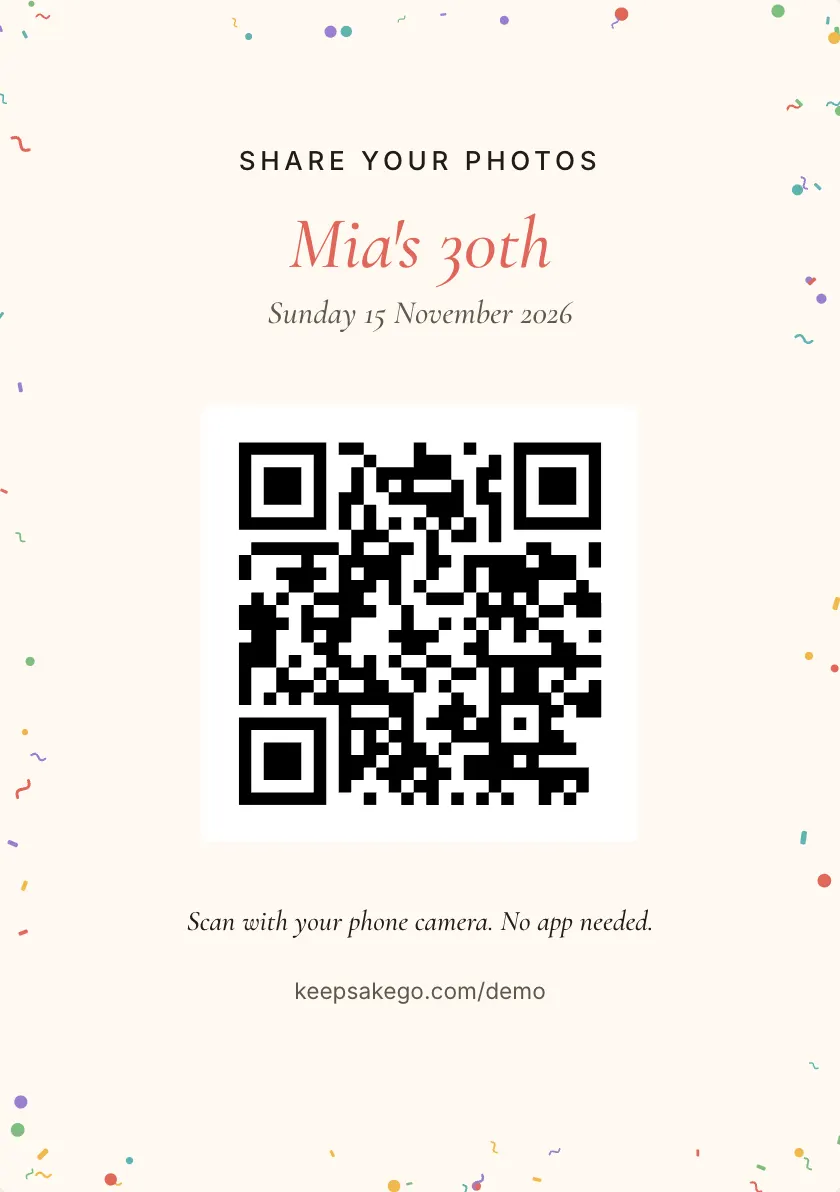
How it works: three questions, then your QR code. Print a sign or send the link, and guests share from their phone. See how it works.
Price: free to try, then from A$79 once per event, including GST. Compare plans.
Read next: birthday guest books · the live slideshow · the keepsake book · ideas for guest book prompts
Questions
Can guests share photos from the after-party?
Yes. Guests can keep adding for the plan's sharing period, which counts from the party date. Guests can add for 8 days on the free trial, 3 months on Classic and 12 months on Signature, counted from the event date. The photos taken after midnight, and the ones that turn up on phones the next morning, still reach the guest book.
Who should be the host, the birthday person or the parents?
Either. Whoever creates the guest book is the host and sees everything. They can invite one co-host, so a parent can set it up and add the birthday person, or the birthday person can set it up and add a parent.
Can I stop embarrassing photos from going on the screen?
Yes. Turn on approve first and new photos wait for you before the slideshow or other guests see them. You can also hide anything, or delete it permanently, from your dashboard at any time, during the party or after it.
Can friends overseas send a message?
Yes. Send them the guest link. It opens the same page as the QR code, so they can record a voice message, write a note or send a photo from wherever they are, and it arrives with everything else.
What does it cost for a 21st?
There is a free trial for up to 50 photos and voice messages. Classic is A$79 and Signature is A$129, paid once per event, in Australian dollars (GST included for Australian buyers). There is no subscription and no fee per guest. You can start on the free trial, which takes photos and voice messages, and choose a paid plan once you know how many guests to expect and whether you want videos of the speeches. Full refund within 14 days of paying, as long as your event date has not passed.
Do guests need to download an app?
No. They scan the code with their phone camera and a page opens in the browser. There is no account and no password, which matters at a party where nobody wants to stop and set something up.
Also made for
Create yours now
Free trial, no card · Your QR code straight away · No password · Pay only when you are ready