
Anniversaries · QR code guest book
An anniversary guest book for a 25th, 40th or 50th, filled by every generation
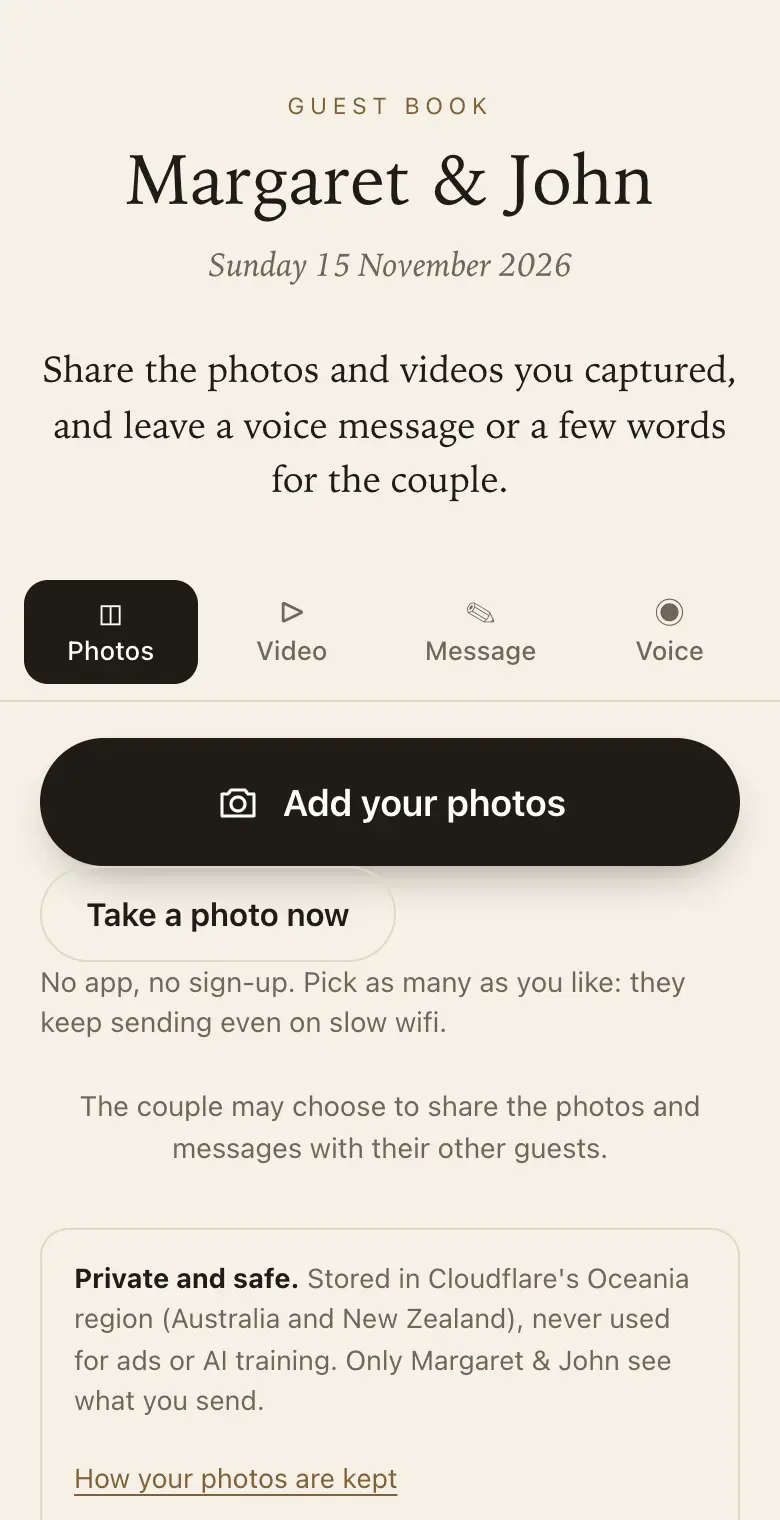
At a 25th, 40th or 50th anniversary, the guests are the story. Let them share their photos, the old ones too, and a message or a voice note for the couple.
- Free trial, no card
- Your QR code straight away
- No password
What do you put in an anniversary guest book?
Messages of congratulations, favourite memories of the couple and photos, old and new. With a QR code guest book, guests add these from their phone during the party, and the couple gets them together as a printable keepsake book.
Made for every generation
- Easy for older guests: the phone camera opens it and there is nothing to sign up for.
- Voice messages: for guests who would rather say it than type it.
- Old photos: guests can photograph a printed picture from decades ago and send it.
- Family who cannot travel: send them the link and they can add their message from home.
Sign wording for an anniversary
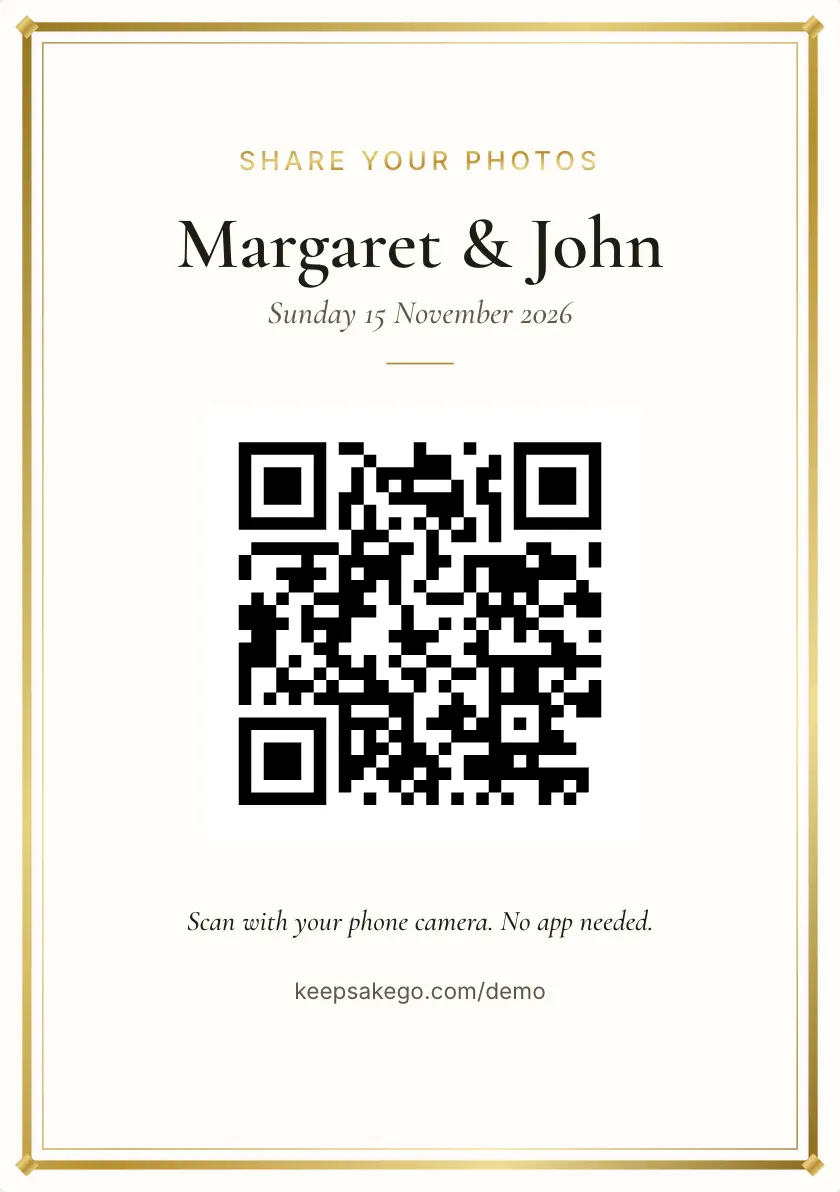
- Welcome sign Fifty years of Margaret and John. Scan with your phone camera to share a photo or a memory of them.
- Table card Have an old photo of the couple on your phone? Scan and send it, or leave them a few words.
- Card by the photo display Rather speak than type? Scan and record a voice message of up to a minute.
Prompts guests answer well at an anniversary
The host can set up to five prompts, shown to guests as they write.
- The beginning: "When did you first meet them as a couple?"
- The lesson: "What have they taught you about staying together?"
- The story: "Your favourite story from their early years?"
- The wish: "What do you wish for their next ten years?"
How it runs at an anniversary party
- A month before: the couple's children or grandchildren send the link to relatives, asking each to photograph one old print and send it.
- At the party: put the welcome sign beside any display of old prints, where guests already stop to look.
- Through the afternoon: run the slideshow so the old photos guests sent play on the TV between the toasts.
- Afterwards: print the keepsake PDF as a gift for the couple, and send the family link to anyone who couldn't travel.
Which plan for an anniversary
A family lunch for a 25th, with mostly photos and a few voice messages, can often fit the free trial. A 40th or 50th where grandchildren will film and old friends keep finding photos for weeks afterwards suits Classic. Choose Signature for a big party with a lot of video, or when you'd like relatives adding memories for a full year. Classic and Signature have no limit on how many photos, videos and voice messages guests send, within 25 GB on Classic and 40 GB on Signature. When a guest book reaches its limit, guests can no longer add photos, videos or voice messages, and can still leave written messages.
Voice messages for older relatives
Many older guests find typing on a phone fiddly but are happy to talk. A voice message runs up to a minute, works on every plan, and they can listen back before sending, so a nervous first try can be recorded again. The first time, the phone asks for permission to use the microphone, which can throw people: a grandchild sitting beside them helps. For guests without a smartphone, leave a tablet in booth mode on a side table; after each person finishes, it gives the next one a clean page. A message in a voice the family knows is worth keeping.
Bringing old prints into the guest book
Many of the anniversary photos worth having are prints in albums and shoeboxes. Guests can photograph a print with their phone and send it like any other picture. Suggest they lay it flat on a table in daylight, away from overhead lights, to avoid glare. Turn on approve first if you'd like to choose which ones reach the slideshow. Ask guests to add a line with each old photo saying when and where it was taken: the keepsake PDF puts every message beside its photo, so the memory and the picture print together.
How it works: three questions, then your QR code. Print a sign or send the link, and guests share from their phone. See how it works.
Price: free to try, then from A$79 once per event, including GST. Compare plans.
Read next: how guests of any age share from their phone · test your guest book before the party · plans for an anniversary party · common questions from families organising a party
Questions
Who should set up the anniversary guest book?
Anyone can. Often one of the couple's children creates it and invites a sibling as co-host, so two people share the organising. The couple don't need to do anything: they can see it all later through the family link or the printed keepsake PDF.
Can guests add memories before the anniversary party?
Yes. The guest book opens as soon as you create it, so relatives can send old photos and messages in the weeks before. The sharing period counts from the party date, so collecting early doesn't cut into the time guests have afterwards.
Will it work for a surprise anniversary party?
Yes. Each guest sees only what they sent, so early messages stay with you and your co-host. Keep sharing with all guests turned off until the couple has been surprised, then share it or send them the family link.
Can we play the voice messages at the party?
The slideshow shows photos, not voice messages. You can listen to the voice messages in your dashboard or the Keepsake iPhone app, so one of the family can play a few aloud during the speeches from a phone held near the microphone.
What if the couple aren't confident with phones?
They don't need to use one. Give them the printed keepsake PDF, with each message beside its photo, or open the family link on a TV or laptop and sit with them while they scroll through.
Which kind of event should I choose at sign-up?
Choose Anniversary. The kind of event changes the wording guests see on the page, so it speaks about the couple and their years together. Add the anniversary in the name, such as "Margaret and John's 50th", so guests know they are in the right place.
Can the family see everything that was sent?
Yes. Turn on the family link and share it with relatives: it is a private, view-only page of everything the hosts have kept.
Also made for
Create yours now
Free trial, no card · Your QR code straight away · No password · Pay only when you are ready