
Engagements · QR code guest book
An engagement party guest book your guests fill from their phones
An engagement party is the first time both families and all your friends are in one room. A QR code guest book gathers their photos and their good wishes before the wedding planning takes over.
- Free trial, no card
- Your QR code straight away
- No password
What is an engagement party guest book?
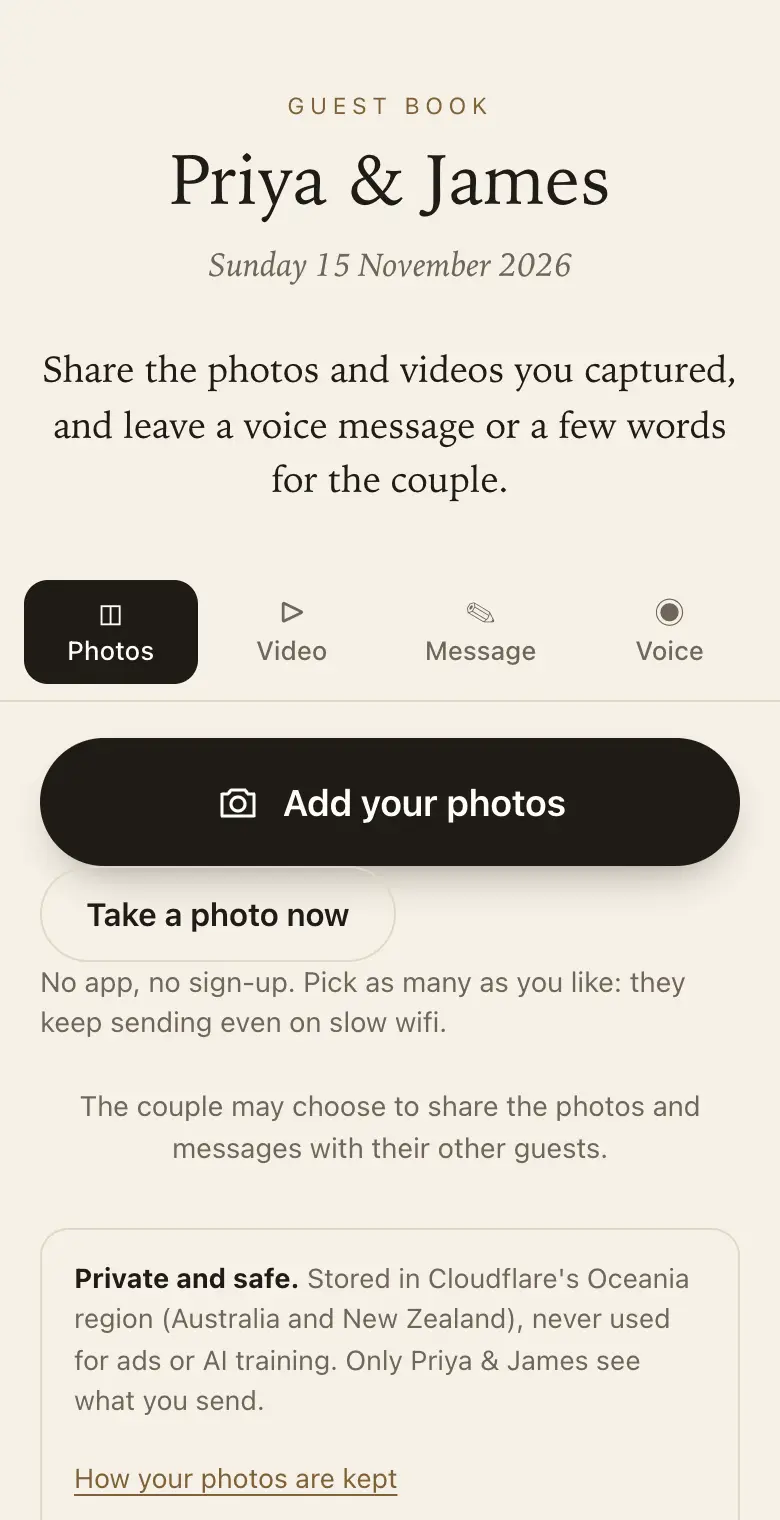
It is a place for guests to leave their congratulations and share their photos from the party. With a QR code guest book they do it from their phone, and the couple keeps the photos, videos and messages together in one private place.
Why couples use one
- Both families, one place: photos from both sides, not scattered across group chats.
- Advice before the big day: ask for marriage advice or wedding tips as a prompt.
- A trial run: see how your guests use it before choosing a guest book for the wedding.
Sign wording for an engagement party
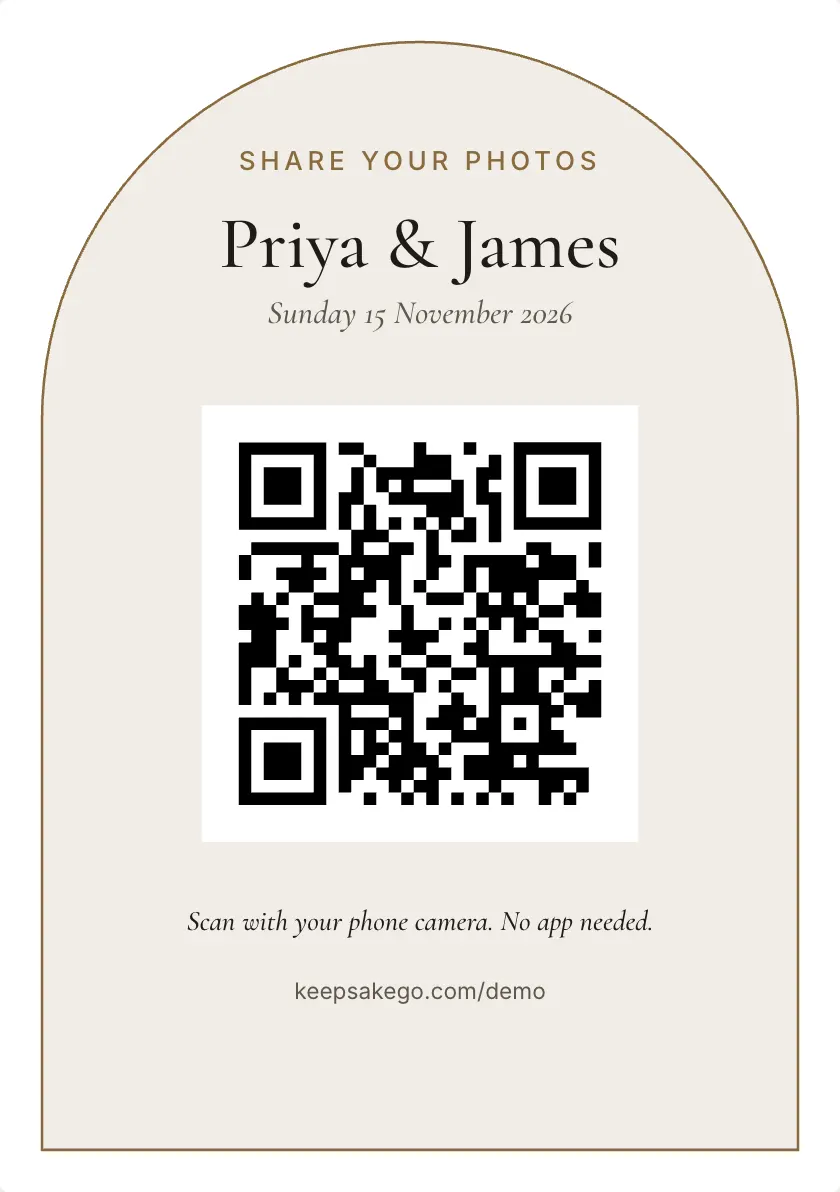
- Welcome sign Sam and Priya are engaged. Scan with your phone camera to share your photos and a wish for the two of them.
- Drinks table card Scan here to share tonight's photos and tell us how you know the happy couple.
- Gift table card Not a card person? Scan and leave the couple a voice message instead.
Prompts guests answer well at an engagement party
You can set as many as five prompts, and guests see them on the page as they write.
- Who's who: "How do you know the couple?"
- The news: "What did you think when you heard?"
- The wedding: "One thing they must have on the big day?"
How it runs at an engagement party
- When the invitations go out: add the guest link to the message, so relatives overseas who heard the news by phone can send a voice message before the party.
- On the night: engagement parties are often standing affairs, so put signs where people queue, like the drinks and the gift table, rather than on tables.
- The toasts: when the parents speak, people film, so ask whoever is speaking to point to the sign as they finish.
- The week after: send the family link to both families, and use the thank-you list to see who came and sent something as you start your wedding guest list.
Which plan for an engagement party
Plenty of engagement parties are a backyard or restaurant gathering where the free trial is enough for photos and voice messages. If you want videos of the toasts, or friends to keep sending photos while the wedding planning starts, Classic fits. Signature is worth it for a large party with lots of video, or if you'd like guests adding for a full year. Guests can add for 8 days on the free trial, 3 months on Classic and 12 months on Signature, counted from the event date.
Two families meeting for the first time
An engagement party is often the first time both families share a room, and many guests know only one of you. A prompt like "How do you know the couple?" turns the guest book into a who's who: when you read it back, you'll know which cousin belongs to which side. Messages arrive with each guest's name, so you can put names to the faces in the photos. For relatives who would rather not use their own phone, set up a tablet in booth mode near the entrance; it gives each person a clean page once they finish.
How it works: three questions, then your QR code. Print a sign or send the link, and guests share from their phone. See how it works.
Price: free to try, then from A$79 once per event, including GST. Compare plans.
Read next: what your guests see when they scan the code · prompt ideas for engagement party guests · which plan fits your engagement party · everything else couples ask about Keepsake
Questions
Can our parents host the engagement guest book and still share it with us?
Yes. A parent can create the guest book and invite one of you as co-host, so two people manage it with their own sign-in. Everything guests send is visible to both of you, and the parent can download it all or make the keepsake PDF afterwards.
Can engagement party guests see each other's congratulations?
Only if you choose to share. By default each guest sees just what they sent, and you see it all. You can share photos, messages or both with every guest later, once you have looked through them and hidden anything you'd rather keep to yourselves.
Can people who heard the news by phone join in?
Yes. Send them the guest link in a message or an email. It opens the same page as the QR code, from anywhere, so a grandmother overseas can record a voice message and an old school friend can send a photo of the two of you from years ago.
Will it work at a party at home with patchy wifi?
Yes. Each photo is saved on the guest's phone first and sent in the background, and it retries if the connection drops. The guest page asks them to keep it open until their photos finish, which matters most in a backyard at the edge of the wifi.
Can we give our parents a printed copy?
Yes. Make the keepsake PDF from your dashboard: it lays out each message beside its photo with the guest's name. Print one copy for each family, at home or at a print shop, as a thank-you for hosting the party.
Can guests film a video toast for us?
On a paid plan, yes. Guests can send clips of up to 30 seconds, long enough for a short toast or the moment the speeches finish. Videos come with the Classic and Signature plans; the free trial takes photos, voice messages and notes. On the free trial, guests can still send a voice message of up to a minute.
Can we use the same guest book for the wedding?
Each event gets its own guest book, with its own date and QR code. Create a new one for the wedding so its photos stay separate.
What prompts work for an engagement party?
Try "Your best marriage advice?", "How did you meet us?" or "A wish for the wedding day?".
Also made for
Create yours now
Free trial, no card · Your QR code straight away · No password · Pay only when you are ready