
Wedding photo sharing app · QR code guest book
Wedding photo sharing with no app for guests to download
Asking a hundred guests to install an app is how a photo plan falls over. Keepsake works the other way round: guests use their phone's browser, and only you, the couple, get an app if you want one.
- Free trial, no card
- Your QR code straight away
- No password
Is there a wedding photo sharing app guests don't need to download?
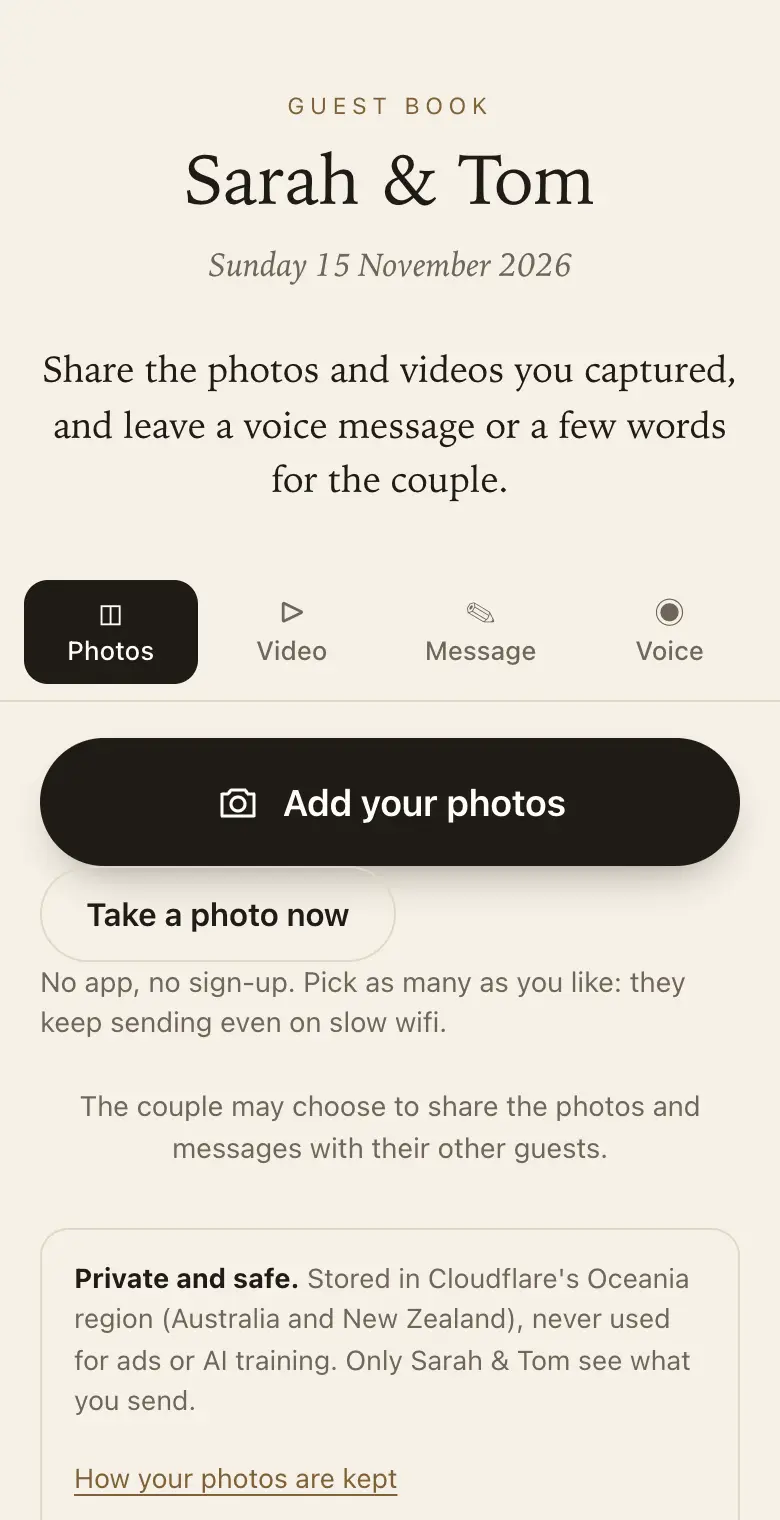
Yes. With Keepsake, guests scan a QR code and a page opens in their phone's browser, with no app, account or password. They choose photos from their camera roll and send them to you. The couple manages everything on the website or in the Keepsake iPhone app.
Why guests skip app downloads
At a wedding, every extra step costs you photos. An app store search, a download over patchy venue wifi, an account and a password: by then the guest has gone back to the dance floor. Older relatives often stop at the first hurdle.
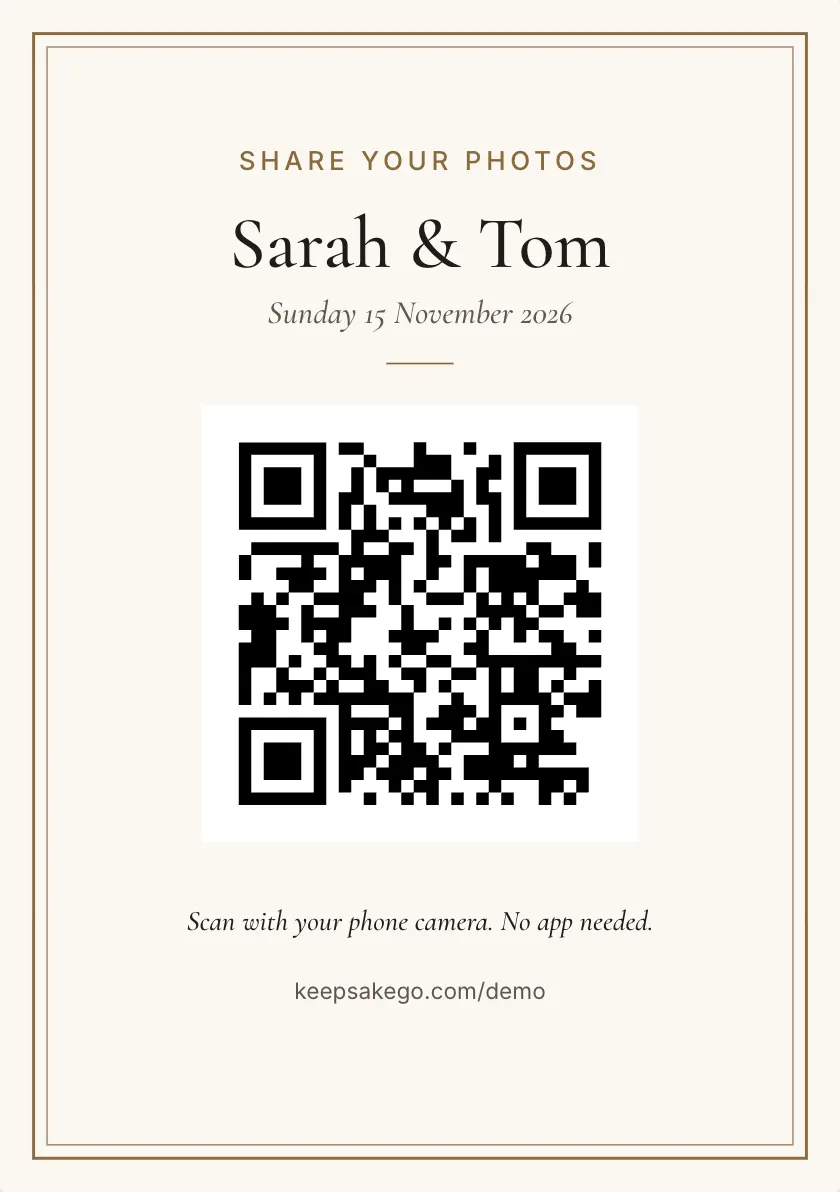
A QR code that opens a web page removes all of that. Guests point the camera, tap the link and pick their photos. Phones of any kind work, as long as the camera reads QR codes and there is a browser.
What guests do in the browser
- Choose several photos at once: straight from the camera roll, with the original file uploaded as it is.
- Write a message: with their name, answering the prompts you set.
- Record a voice message: up to a minute, which they can play back before sending.
- Add a short clip: videos up to 30 seconds, on the paid plans.
The couple's side: website or iPhone app
You set up the guest book, design the signs and choose a plan on keepsakego.com. After that, follow along on the website dashboard or in the Keepsake iPhone app, which notifies you when new photos arrive.
Your guests never need either, and you can use whichever suits you. One of you creates the guest book and invites the other as co-host, so both of you see everything.
Private by default, shared by choice
- Guests see their own: each guest sees only what they sent, not the whole album.
- You choose what to share: open photos, messages or both to all the guests when you are ready.
- Approve first, if you like: new photos wait for you before other guests or the slideshow see them.
- Hide or delete: take anything out of the guest book, permanently if you need to.
When the venue signal is weak
Country venues and old stone halls are not known for good reception. Each photo is saved on the guest's phone first and sent in the background, and retried if the signal drops. The guest page asks guests to keep it open until their photos finish, which is worth repeating in your speech.
Full size, not chat size
Photos passed around a group chat often come back smaller than they started. Here the original is uploaded alongside smaller copies for viewing, and you can download every original as a ZIP during your plan's download period. Classic and Signature have no limit on how many photos, videos and voice messages guests send, within 25 GB on Classic and 40 GB on Signature. When a guest book reaches its limit, guests can no longer add photos, videos or voice messages, and can still leave written messages.
How it works: three questions, then your QR code. Print a sign or send the link, and guests share from their phone. See how it works.
Price: free to try, then from A$79 once per event, including GST. Compare plans.
Read next: QR code photo sharing · how guests share, step by step · the live photo slideshow · try the guest side
Questions
Do guests need an account to share wedding photos?
No. There is no account, no sign-in and no password for guests. They can add their name to a message so you know who it came from, and the thank-you list later shows everyone who sent something, with counts.
Is there an app for the couple?
Yes, the Keepsake iPhone app. It shows your guest book and notifies you when new photos arrive. You create the guest book and pay on the website, and you can manage everything there too if you would rather not install anything.
Which phones can guests use?
Any phone whose camera reads QR codes and that has a web browser. The guest page runs in the browser, so the make of phone does not matter. Guests far away can open the same page from a link you send them.
Will other guests see the photos someone sends?
Only if you share them. By default each guest sees only what they sent. You can share photos, messages or both with all the guests, and give family a read-only link to watch the guest book fill up.
How do photos get onto the screen at the reception?
Open the live slideshow on a TV, projector or laptop. It plays the photos guests send and adds new ones as they arrive. If approve first is on, a photo joins the slideshow only once you have approved it.
Can we try it before paying?
Yes. Try the guest side at /demo, where nothing you pick leaves your phone, or start a guest book on the free trial and send real test photos. The free trial takes up to 50 photos and voice messages in total (no videos), plus written messages; guests can share for 8 days from your event date, and full-size downloads are available for 2 months. No card needed. Choose Classic or Signature when you are happy with it.
Also made for
Create yours now
Free trial, no card · Your QR code straight away · No password · Pay only when you are ready