
Audio guest book
An audio guest book with voice messages from every phone
Hearing a grandparent's voice or a best friend's toast years later is worth more than a signature. Guests scan a QR code and record a voice message on their own phone, without queueing for a hired handset.
- Free trial, no card
- Your QR code straight away
- No password
How does an audio guest book work without a phone?
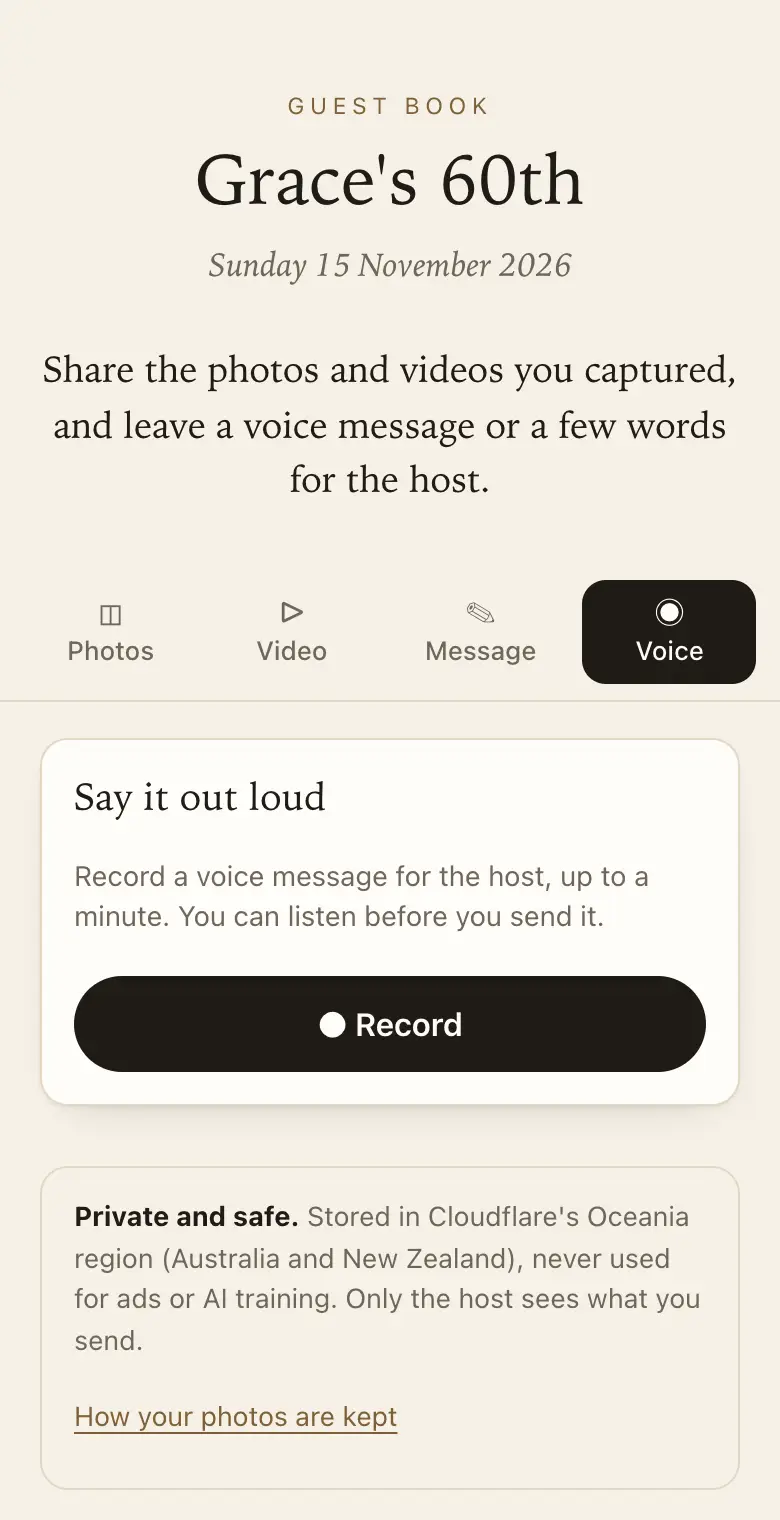
Instead of a hired telephone handset, guests scan a QR code with their own phone and record a voice message of up to a minute in the browser. The host can listen to every message in the guest book and download them, along with guests' photos and written notes.
Compared with a hired phone
- No queue: every guest records on their own phone, at the same time if they like.
- Nothing to send back: there is no handset to hire, charge or return.
- Photos too: the same QR code takes their photos, videos and written messages.
Good to know
Voice messages can be up to a minute long. They play in your online guest book and are saved, as files, in the download of everything.
The hired phone, and what changes without it
The usual audio guest book is a vintage-style handset on a table. Guests pick it up, hear a greeting and talk. It is charming, and it also means one guest at a time, a line by the bar late in the night, and a handset to collect, charge and send back.
With a QR code, every guest already has the handset in their pocket. Three people can record at once from three tables, and guests who left early can leave a message from home.
How recording works
- Up to a minute: long enough for a toast or a short story, short enough that people get to the heart of it.
- Listen, then send: guests play back what they recorded before deciding to send it, which takes some of the nerves away.
- Nothing to install: the only prompt is the phone's own request to use the microphone.
- Photos in the same visit: a guest can record a message and add their photos without scanning again.
Easier for older guests
Typing on a small screen is a chore for many older guests. Talking is different: they press record and speak as they would on a phone call. Put the sign at eye level near where they sit, and ask a grandchild to show them once. For someone without a smartphone, booth mode turns a tablet left at the venue into a page that clears for each guest.
Keeping the recordings
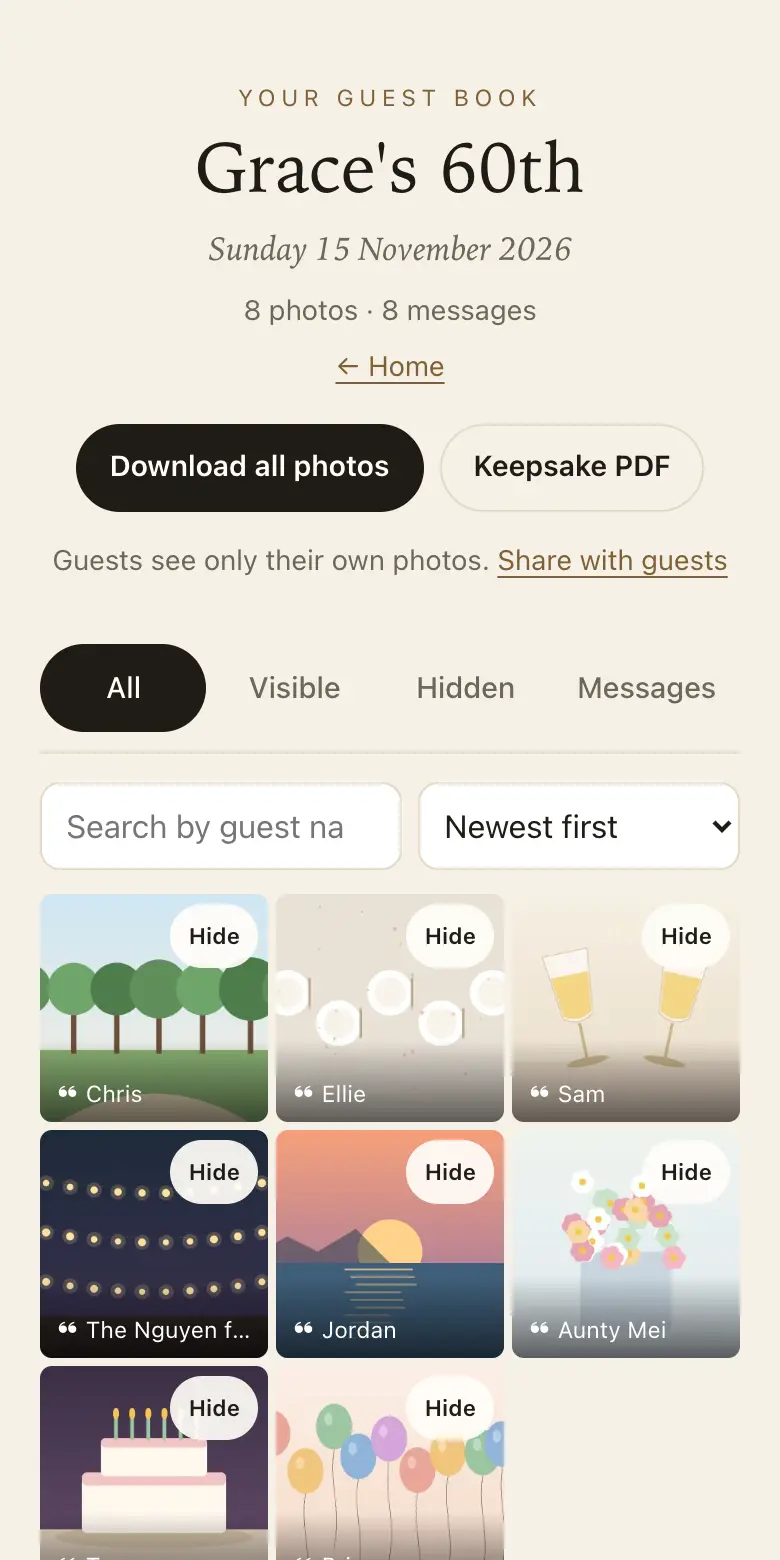
Every voice message plays in your guest book, with the guest's name if they gave one. To keep them, download everything as a ZIP during your plan's download period. The voice messages come as their own files, ready to copy for a parent or play again on an anniversary.
What to put on the sign
- "Leave us a voice message": scan with your camera, press record and tell us anything in under a minute.
- "Your advice for the newlyweds, in your own voice": good at a wedding, for the speeches people didn't get to make.
- "Say happy birthday to Nan": for a milestone birthday, where the voices will mean a great deal later on.
Which plan for voice messages
On the free trial, voice messages and photos count toward one shared total, so a busy event can reach it. Classic and Signature have no limit on how many photos, videos and voice messages guests send, within 25 GB on Classic and 40 GB on Signature. When a guest book reaches its limit, guests can no longer add photos, videos or voice messages, and can still leave written messages. Classic suits most events, and Signature gives the longest time to collect and download.
How it works: three questions, then your QR code. Print a sign or send the link, and guests share from their phone. See how it works.
Price: free to try, then from A$79 once per event, including GST. Compare plans.
Read next: how guests record and send a voice message · test recording before the day · which plans include voice and video · answers about downloads, privacy and older guests
Questions
Can guests hear their message before it is sent?
Yes. After recording, they can play it back and then decide whether to send it. Nervous speakers find that reassuring, and it means you receive the message they meant to leave rather than a first attempt they would rather forget.
Will background noise at a reception spoil the recording?
A phone held close usually records the voice clearly, though a loud dance floor will come through. Put a sign near a quieter spot, such as the entrance or a lounge area. Guests can also record from home later, while the sharing period is open.
Do voice messages use up the plan's limit?
On paid plans there is no limit on how many guests send, within the plan's storage, and a minute of voice is small next to a photo. On the free trial, photos and voice messages share one total.
Can guests who don't want to talk write instead?
Yes. The same page takes written messages with the guest's name, answering the prompts you set, as well as photos. Written messages never count toward the limits, so nobody is turned away from leaving a few words.
Can relatives overseas leave a voice message?
Yes. Send them the link by message or email; it opens the same page as the QR code. Recording works in the phone's browser wherever they are, up until your sharing period ends.
Where do I listen to the messages?
Each voice message plays in your guest book on the website dashboard or in the Keepsake iPhone app, next to the guest's name if they gave one. You can hide or delete any of them, and download them all as files.
Do guests need an app to record?
No. Recording happens in the phone's browser; the first time, the phone asks for permission to use the microphone.
Is the audio guest book in every plan?
Yes. Voice messages are part of every plan, the free trial too.
Also made for
Create yours now
Free trial, no card · Your QR code straight away · No password · Pay only when you are ready